More than text
Use text, photographs and voice notes when they fit the conversation. Share the context that is hard to capture in a short task title.
 elly
ellyFamily messaging · Elly for iPhone
A quick question. A photo worth sharing. A voice note at the end of the day. Elly keeps the care team’s conversation in the same app as its plans and updates.
Download for iPhoneSome shared features and insights require Elly Plus. See current plan details in the app.
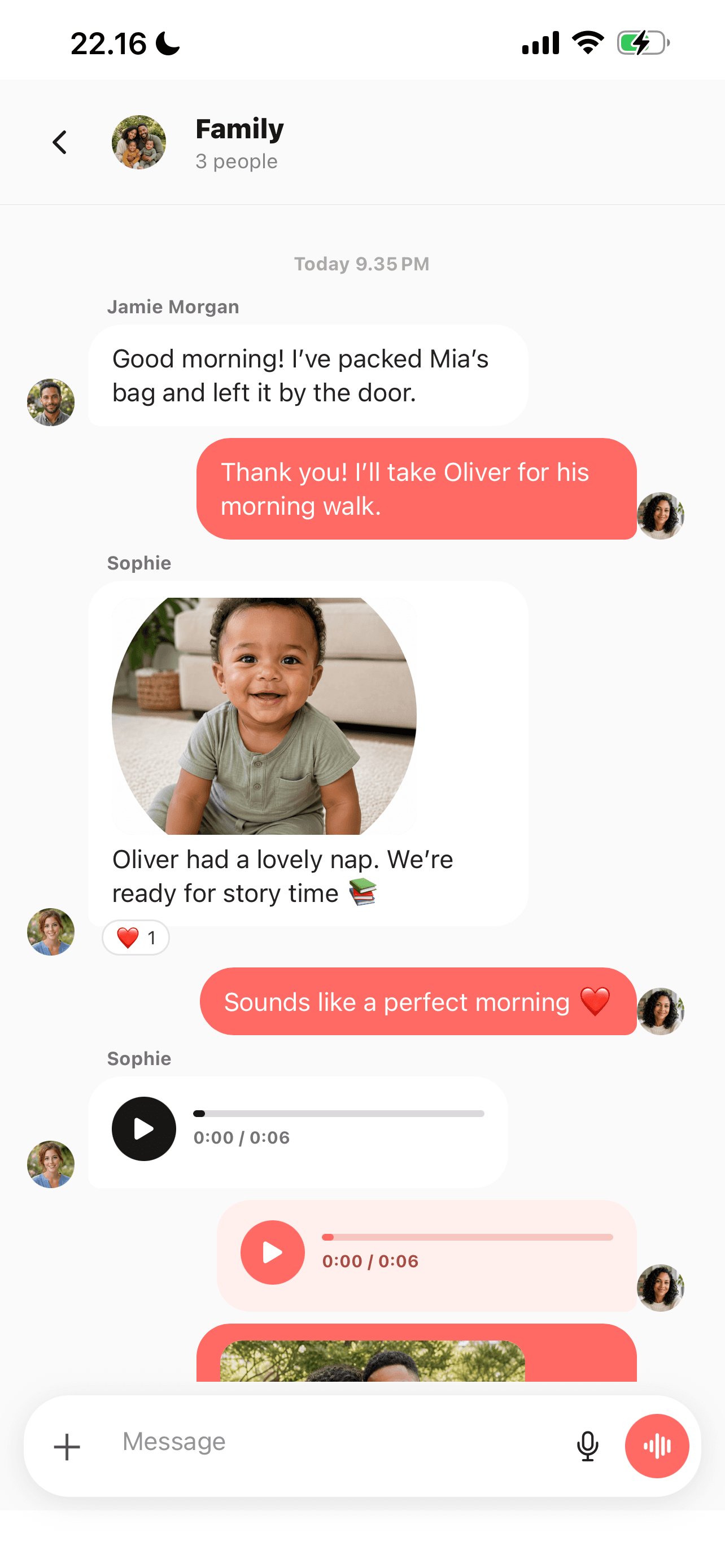
Use text, photographs and voice notes when they fit the conversation. Share the context that is hard to capture in a short task title.
The care team can move between messages, the calendar and recorded care. A question and the resulting arrangement each have a place.
Use a conversation to agree on a change, then reflect the agreed arrangement in the plan. A message alone is not proof that someone accepted a responsibility.
A closer look
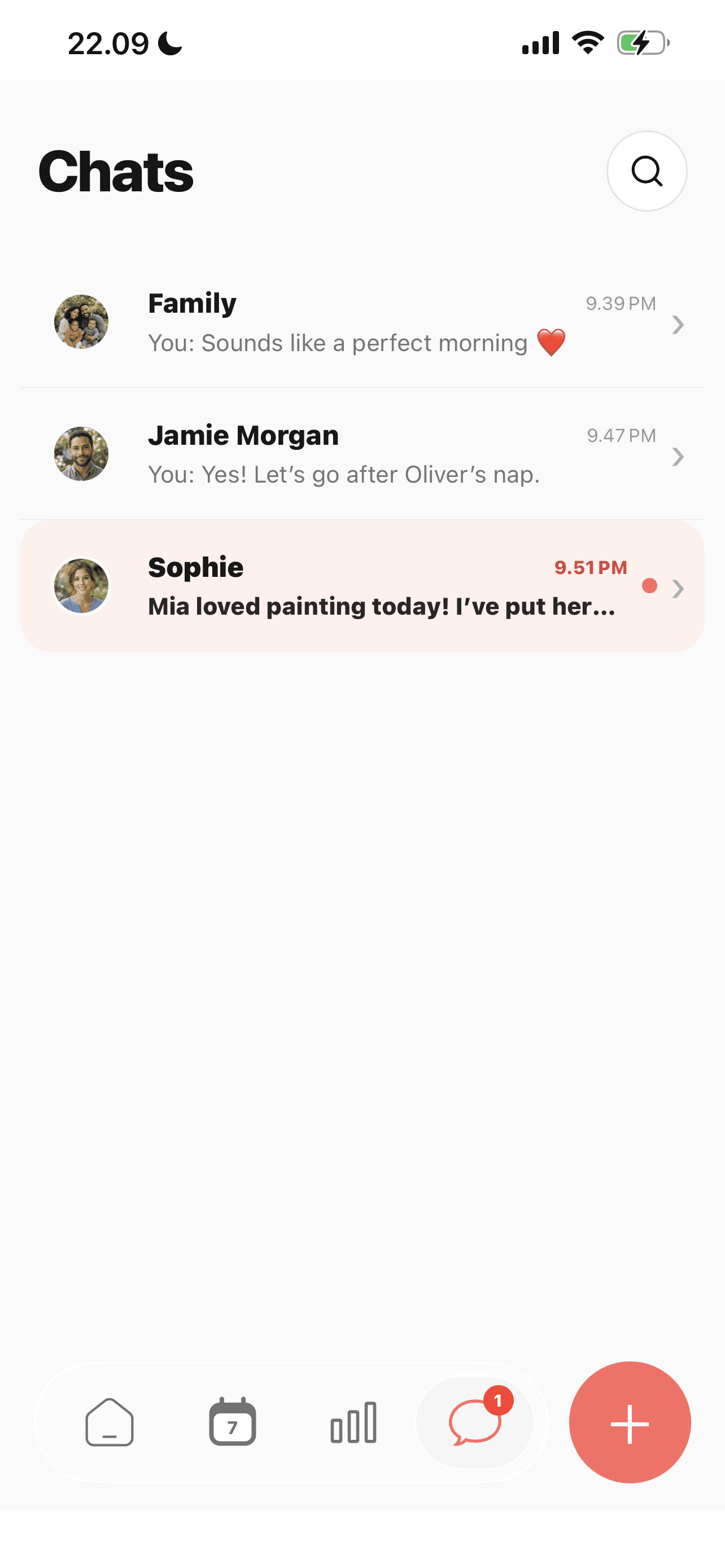
The Chats list brings together the family thread and individual conversations, with previews of recent updates.
See more in the Elly app →Choose the conversation with the people involved.
Write a message, share a photo or record a voice note.
When you agree on a change, update the relevant task or event so it is easy to find later.
An everyday example
A caregiver asks which bag to bring and shares a photo of the packed items. Once the family agrees, the outing details remain with the event instead of only in the chat.
Family messaging questions
Yes. Elly’s messaging supports audio and image attachments. Feature access and limits depend on the current plan.
No. Free messaging limits and Elly Plus access apply. Check the current in-app plan details.
They serve different purposes. Use messages for discussion and the care log for completed events the next adult needs to find.
The Chats screen lists the family conversation and conversations with individual team members. Open the relevant thread for the people who need the update.
Use the care entry for a completed activity, the calendar for a plan, and messages for discussion. This makes the information easier to find after the conversation has moved on.
Record the care event once in the appropriate log, then use a message only when someone needs extra context or a response. Agree that habit with the people sharing care.
Your next day, together
Bring your family’s plans, care records and conversations into Elly.