Child profiles together
Manage children from the household settings. The child list gives each profile its own edit control and a place to add another child.
 elly
ellyMultiple children · Elly for iPhone
Siblings share a household, but their feeds, naps and daily care need their own records. Elly keeps children in the family workspace while tying care entries to the child selected.
Download for iPhoneSome shared features and insights require Elly Plus. See current plan details in the app.
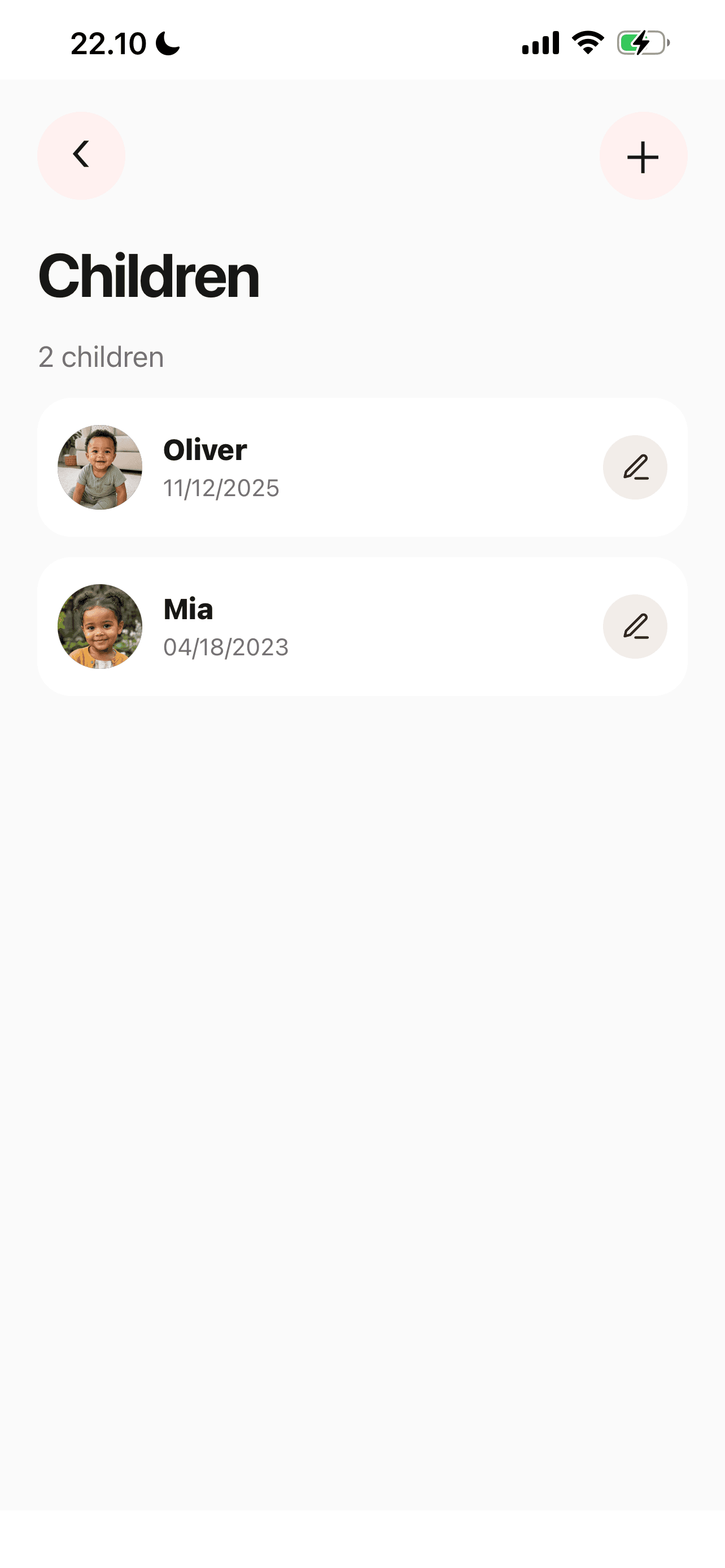
Manage children from the household settings. The child list gives each profile its own edit control and a place to add another child.
Choose the child before recording a feed, sleep or diaper change. Check that selection at handoff, particularly when two children have similar routines.
A caregiver can be invited with access to selected children or all children. Use the arrangement that fits their responsibilities.
A closer look
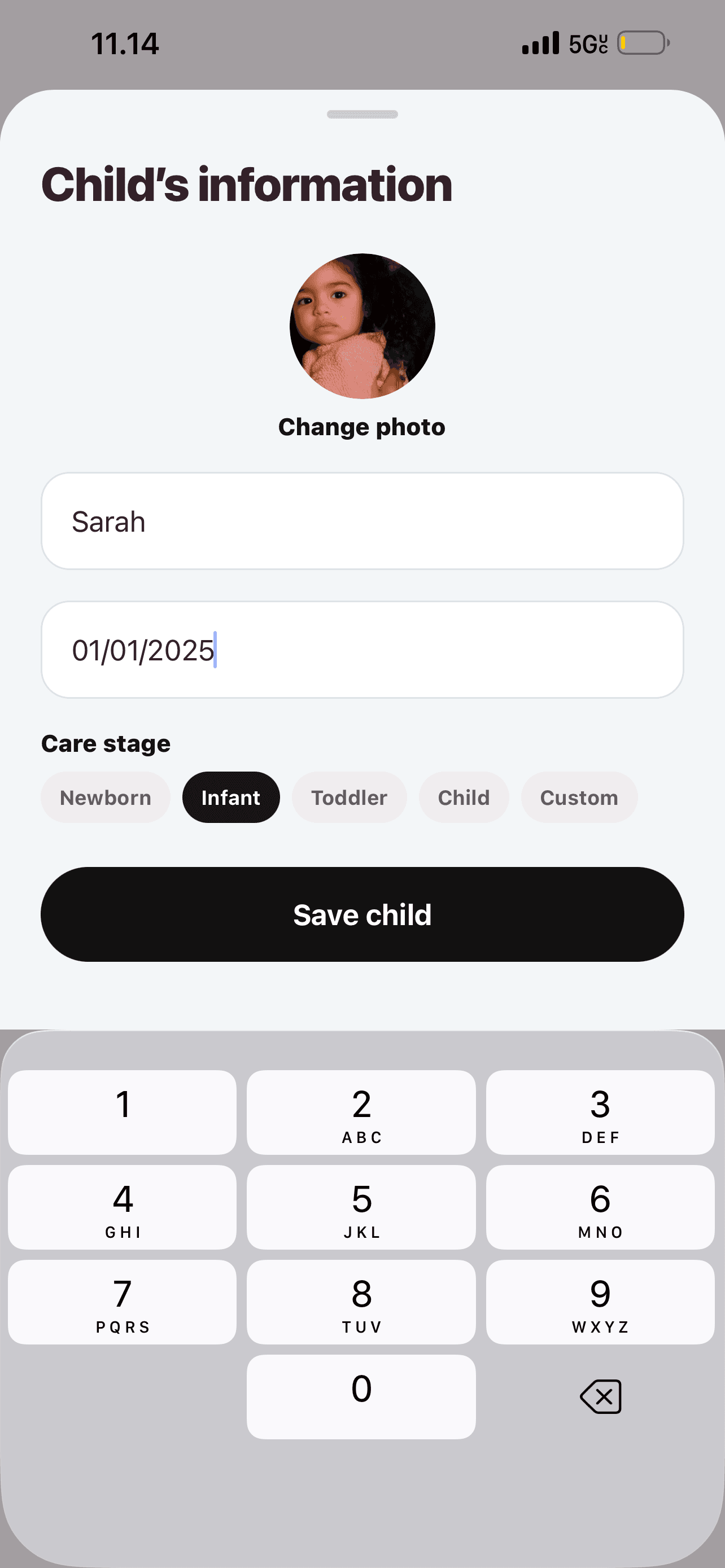
Add a name, photo, date of birth and care stage, then save the child’s profile. These details help your care team choose the right child when recording care.
See more in the Elly app →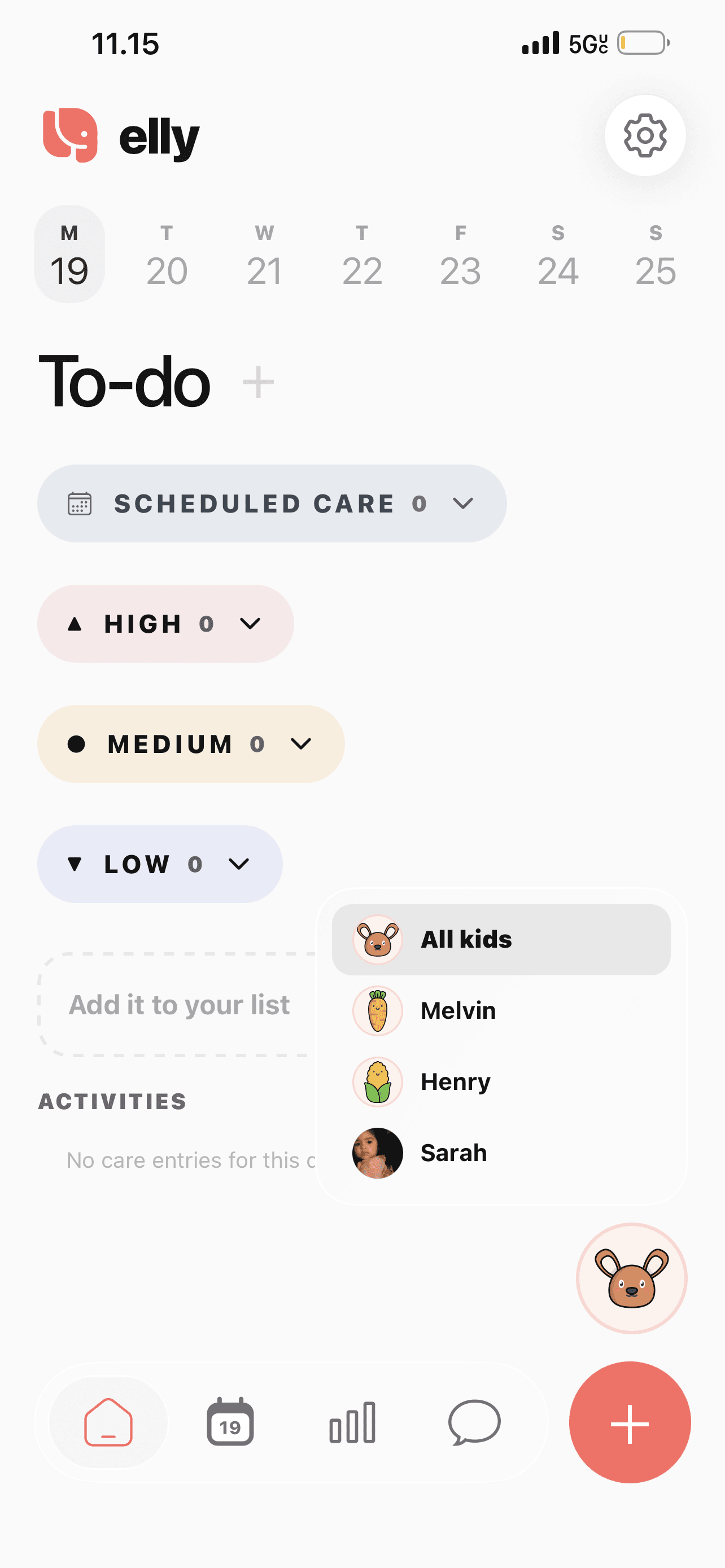
Open the child selector to choose All kids or an individual child. Use the family view to orient yourself, then check the selected child before adding a care entry.
See more in the Elly app →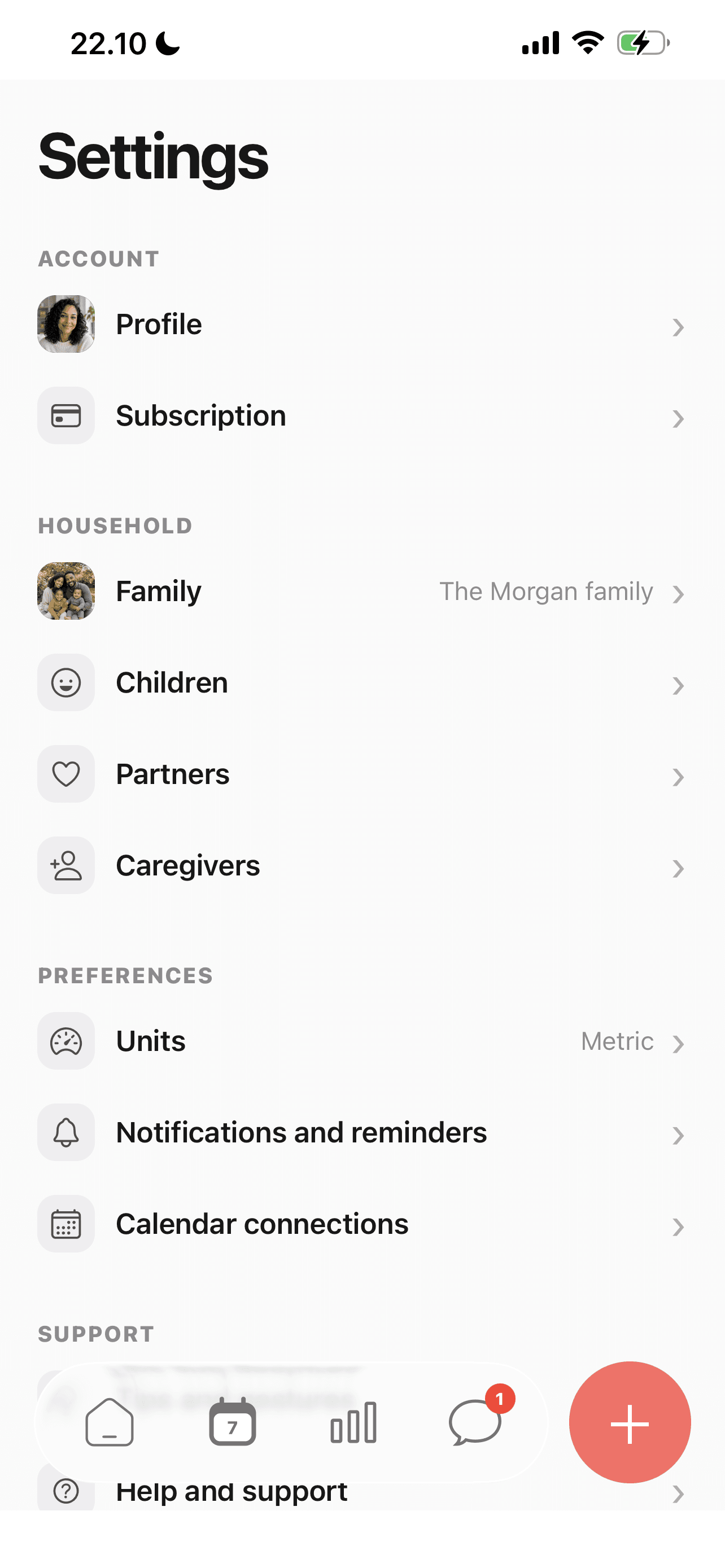
Family, Children, Partners and Caregivers are grouped under household settings.
See more in the Elly app →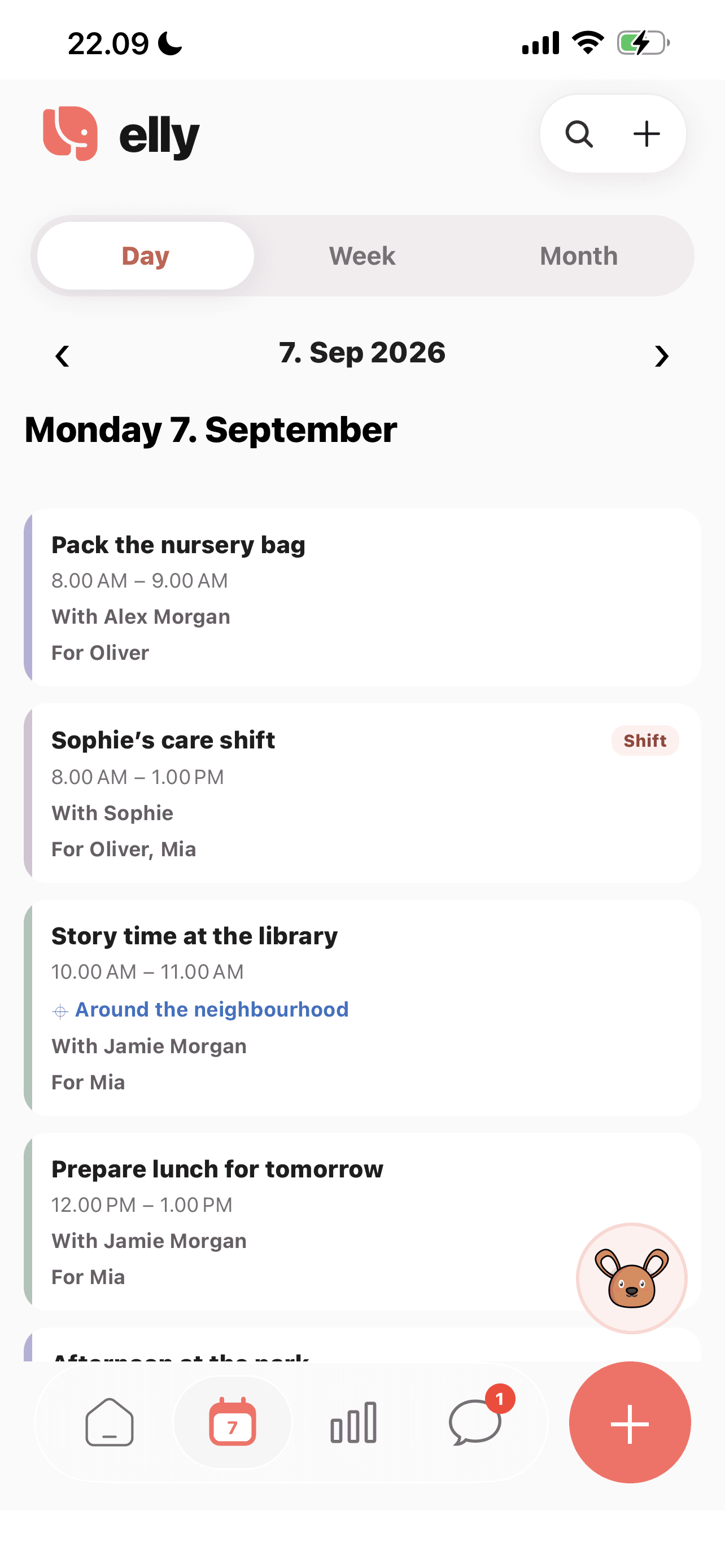
A shift can list more than one child. Individual care records still need the correct child selected.
See more in the Elly app →Review the profiles already in the family and add or edit the relevant child.
Check the child selection before creating a care entry or timer.
Choose the child in insights when looking back at recorded care, and check caregiver access as the family’s needs change.
An everyday example
The family keeps Oliver’s feeding and sleep entries with Oliver, while Mia’s care belongs with Mia. A shared shift can still show that Sophie is caring for both children during the same window.
Multiple children questions
Yes. The family settings include a Children list with separate profiles and an option to add a child.
Care entries belong to the selected child. Check the child when entering care and when reviewing insights so you are looking at the intended history.
Separate child profiles let you keep each child’s records distinct. For twins or children with similar routines, check the selected profile before every entry to avoid mixing records.
Caregiver invitations support selected-child access as well as all-child access. Review the invitation settings against the actual care arrangement.
Yes. Calendar arrangements can include the relevant children, while their individual care entries stay attached to each child.
Open Settings, then Children, and use the edit control for the relevant profile. Check that you are editing the intended child before saving changes.
Yes. The child selector offers All kids and individual child profiles. Select the child whose care you want to review, and check the child attached to each new care entry.
Your next day, together
Bring your family’s plans, care records and conversations into Elly.