A timer for sleep in progress
Start a sleep timer and stop it when the sleep ends. The home screen distinguishes active care from completed records.
 elly
ellySleep tracker · Elly for iPhone
A nap may span two caregivers. Start a sleep timer, record a completed sleep entry, and keep the day’s sleep information with the people caring for your child.
Download for iPhoneSome shared features and insights require Elly Plus. See current plan details in the app.
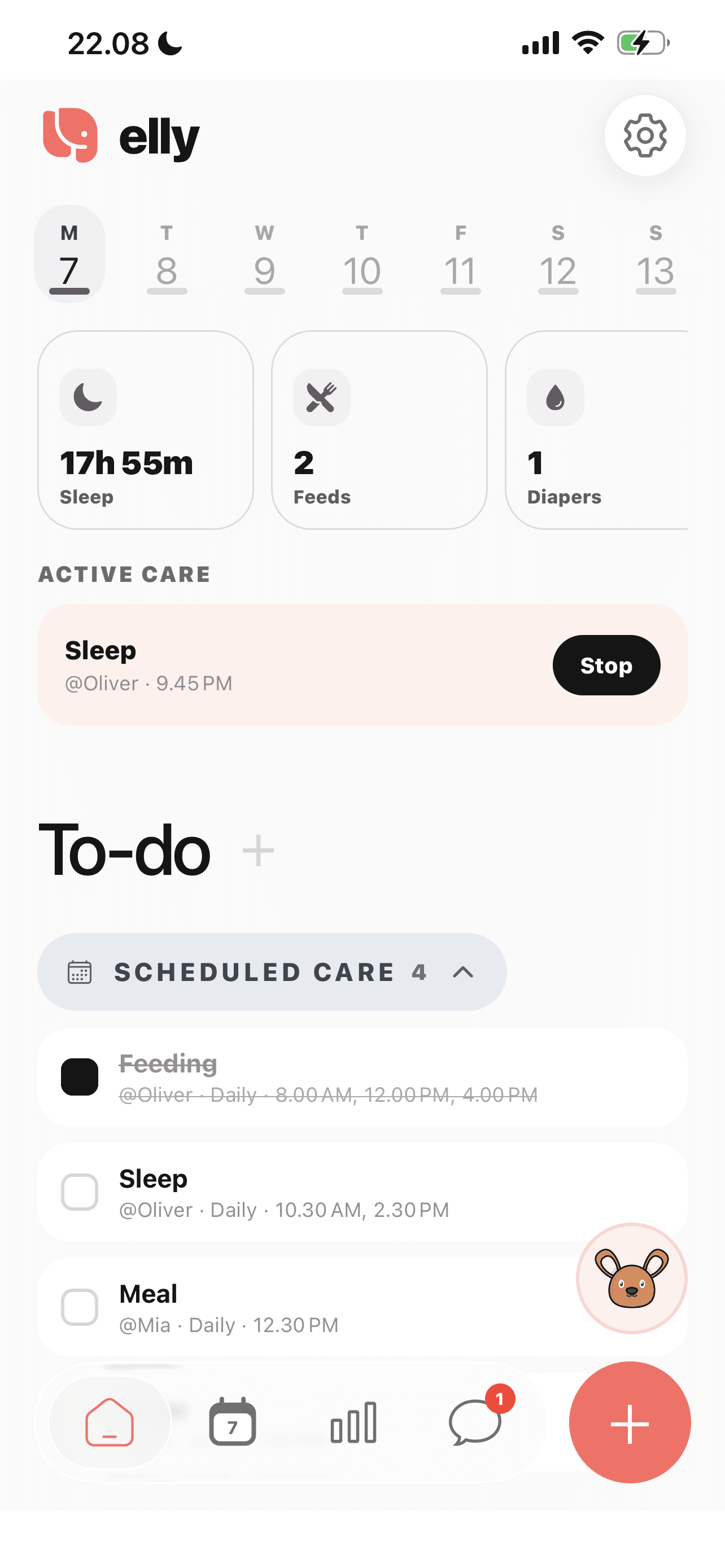
Start a sleep timer and stop it when the sleep ends. The home screen distinguishes active care from completed records.
Label the entry as a nap or night sleep and include the details you want to pass on. Recorded sleep belongs with the selected child.
Review recorded sleep in the care history and insights. The record reflects what your care team entered, including any missing information.
A closer look
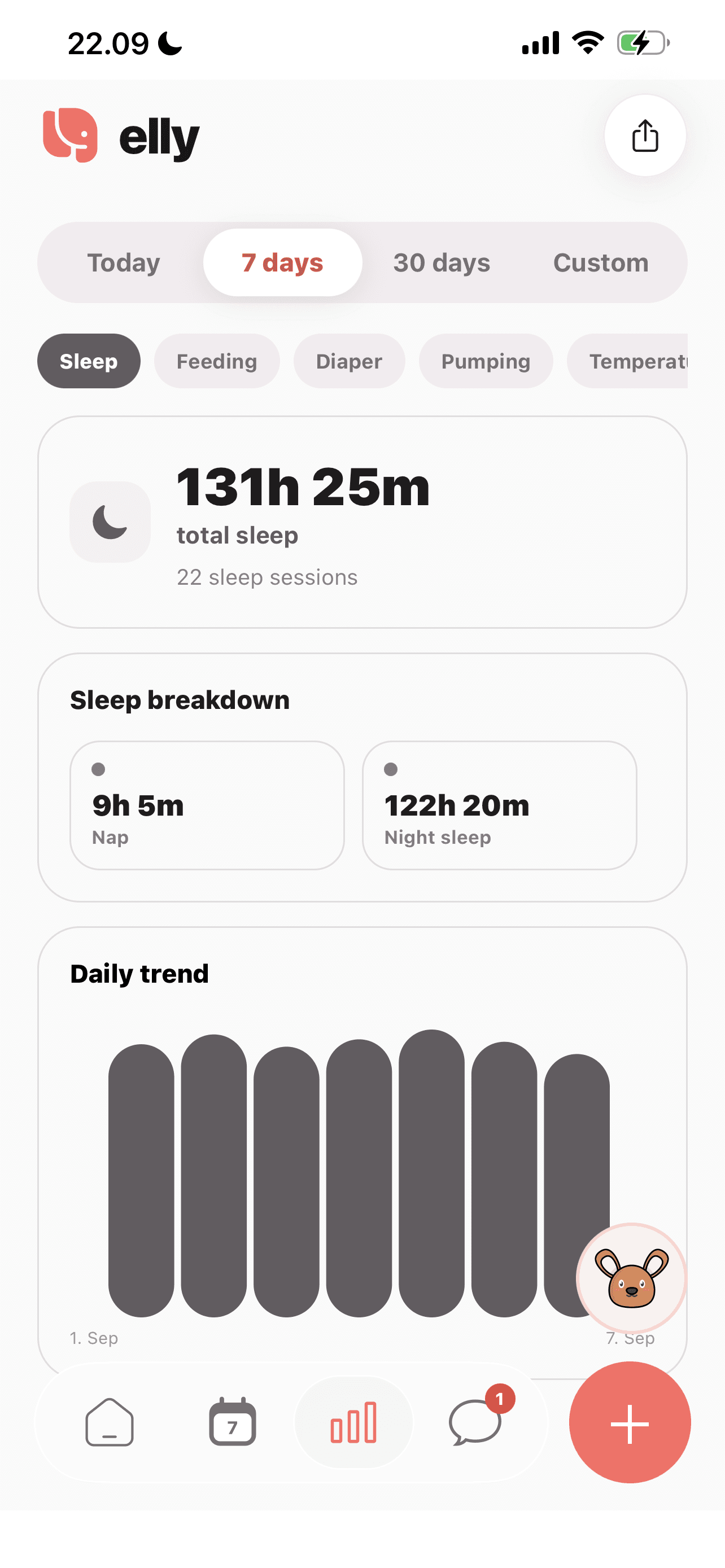
Select a date range in insights to review sleep totals and the daily trend. The chart reflects the entries your team recorded.
See more in the Elly app →Choose the relevant child and the sleep entry.
Use a timer for sleep in progress, or record the sleep that has already happened.
Tell the incoming caregiver if a timer is still running so the end of the sleep can be recorded.
An everyday example
The outgoing caregiver points out the active sleep timer. The incoming adult knows that the entry is still open, rather than reading a planned nap as a finished one.
Sleep tracker questions
Yes. The sleep entry includes Nap and Night sleep choices.
Care insights summarize recorded sleep for a selected date range. Access to insights may depend on your subscription.
No. This page describes recording and sharing sleep. Elly does not replace your child’s care instructions or professional advice.
Add a completed sleep entry instead. Record the times you know and explain any uncertainty in the note rather than treating an estimate as an exact measurement.
Point out the active timer during the handoff and agree who will record the end. A running timer needs that final update before it represents a completed sleep period.
Care entries belong to the selected child. Check the child before starting a timer or adding an entry, then review insights for that child separately.
Your next day, together
Bring your family’s plans, care records and conversations into Elly.