Breast, bottle or solids
Choose the type of feeding instead of squeezing every entry into the same field. Record a duration, bottle amount or description of solids as appropriate.
 elly
ellyFeeding tracker · Elly for iPhone
The last feed should be easy to find. Record a feeding in Elly with the details that matter, then keep that update with the family members and caregivers sharing the day.
Download for iPhoneSome shared features and insights require Elly Plus. See current plan details in the app.
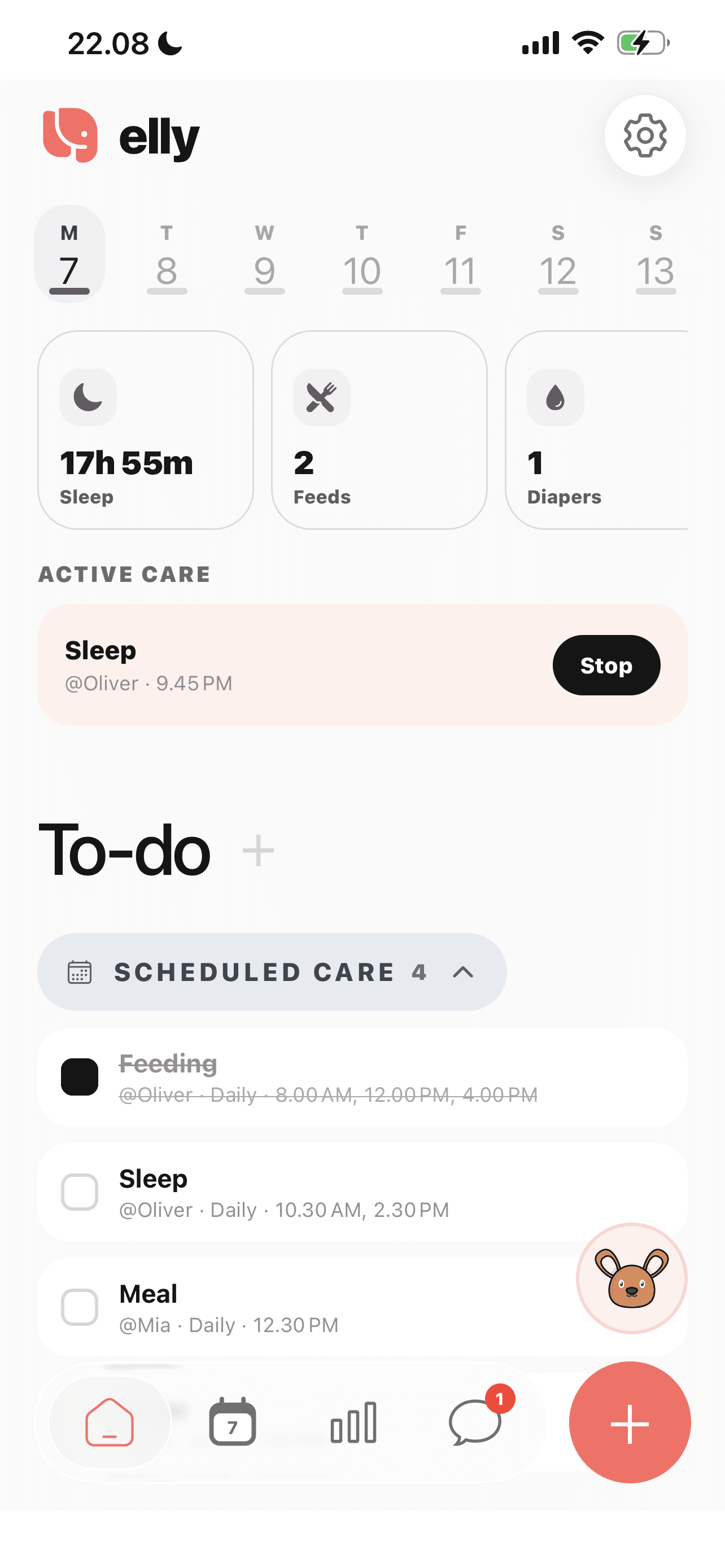
Choose the type of feeding instead of squeezing every entry into the same field. Record a duration, bottle amount or description of solids as appropriate.
Keep the entry with the child’s care history, its recorded time and the person who logged it. Add a note when the next caregiver needs context.
Feeding updates live alongside other care records. Use the family conversation for a question and the log for what actually happened.
A closer look
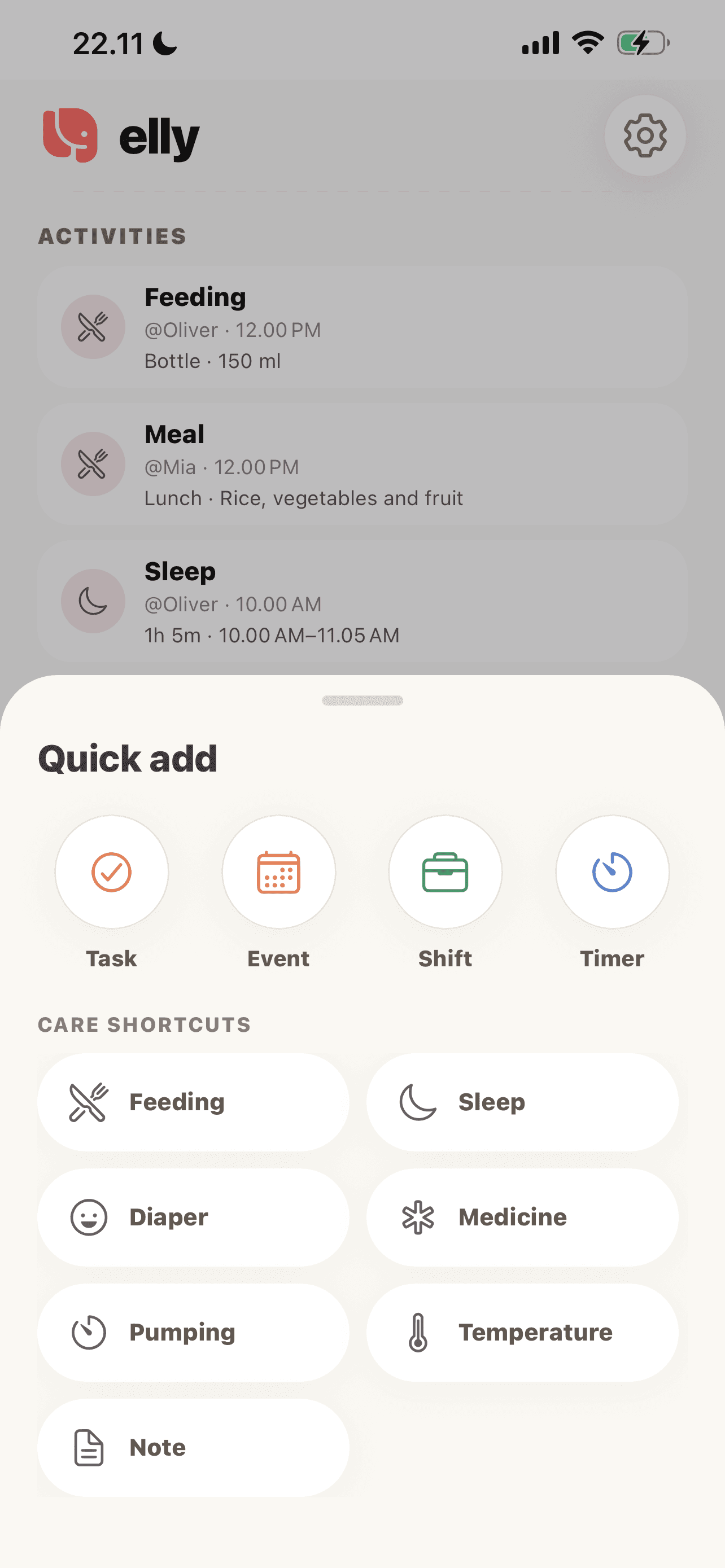
Choose Feeding from the quick-add menu. Select the child and feeding type before recording the details.
See more in the Elly app →Open the care entry and select breast, bottle or solids.
Enter the relevant details and time. Keep unknown amounts or times clear rather than guessing.
At handoff, review the recorded entry with the next adult and discuss anything still unclear.
An everyday example
A parent records the morning bottle. The nanny can refer to that entry during handoff, then add the next feed to the same family workspace. A scheduled feed and a completed entry remain different kinds of information.
Feeding tracker questions
Yes. The feeding form includes breast, bottle and solids, with details appropriate to the selected type.
Caregivers with the relevant family and child access can participate in the shared care workspace. Shared features may require Elly Plus.
This feature records feeding information. It does not prescribe amounts, intervals or an individualized feeding plan.
Choose Solids in the feeding entry and describe the food offered. Keep that entry separate from breast or bottle feeds so the next adult can understand what was recorded.
Yes. The daily overview brings care categories together, while each entry keeps its own details. Review the latest entries at handoff, especially if different adults recorded different parts of the day.
Include practical context the next caregiver needs, such as what was offered and what remains uncertain. Use the feeding fields for quantities and times, and a note for details that do not fit those fields.
Your next day, together
Bring your family’s plans, care records and conversations into Elly.